
PrintMaster Overview



PrintMaster automatically discovers and monitors network printers and copiers. Built for MSPs, MPS providers, copier dealers, and IT departments managing print fleets.
Why PrintMaster?
PrintMaster was born from real-world frustration managing multi-vendor print fleets. Existing solutions meant juggling multiple tools—PrintAudit for metering, Epson Remote Services for Epson devices, Kyocera Net Manager for Kyocera, Epson Device Admin for local management—each with their own quirks, agents that randomly disconnect, and per-device licensing fees.
The goal: combine the best of fleet monitoring and vendor-specific tools into one open-source solution that actually tells you when something goes wrong.
Transparency
This project uses AI-assisted development. Initial development relied significantly on AI tools, and this is disclosed in the spirit of transparency. As the project matures and gains users, development will slow down to focus on stability and correctness over feature velocity.
The maintainer is not a professional developer by trade, but has real-world experience in the copier/MPS industry and has contributed to other open-source projects (including OIDC SSO support for MeshCentral).
Contributions, feedback, and vendor-specific SNMP knowledge are welcome—printer MIBs are complex and vendor quirks are endless.
Features
- Automated Discovery — SNMP-based network scanning finds printers automatically
- Fleet Monitoring — Track page counts, toner levels, and device status
- Multi-Site Support — Central server aggregates data from distributed agents
- Remote Access — WebSocket proxy to access agent UIs and printer admin pages
- Real-Time Updates — WebSocket heartbeat with automatic HTTP fallback
- Cross-Platform — Windows, Linux, macOS, Docker
Screenshots
Dashboard — Hierarchical view of tenants, sites, agents, and devices
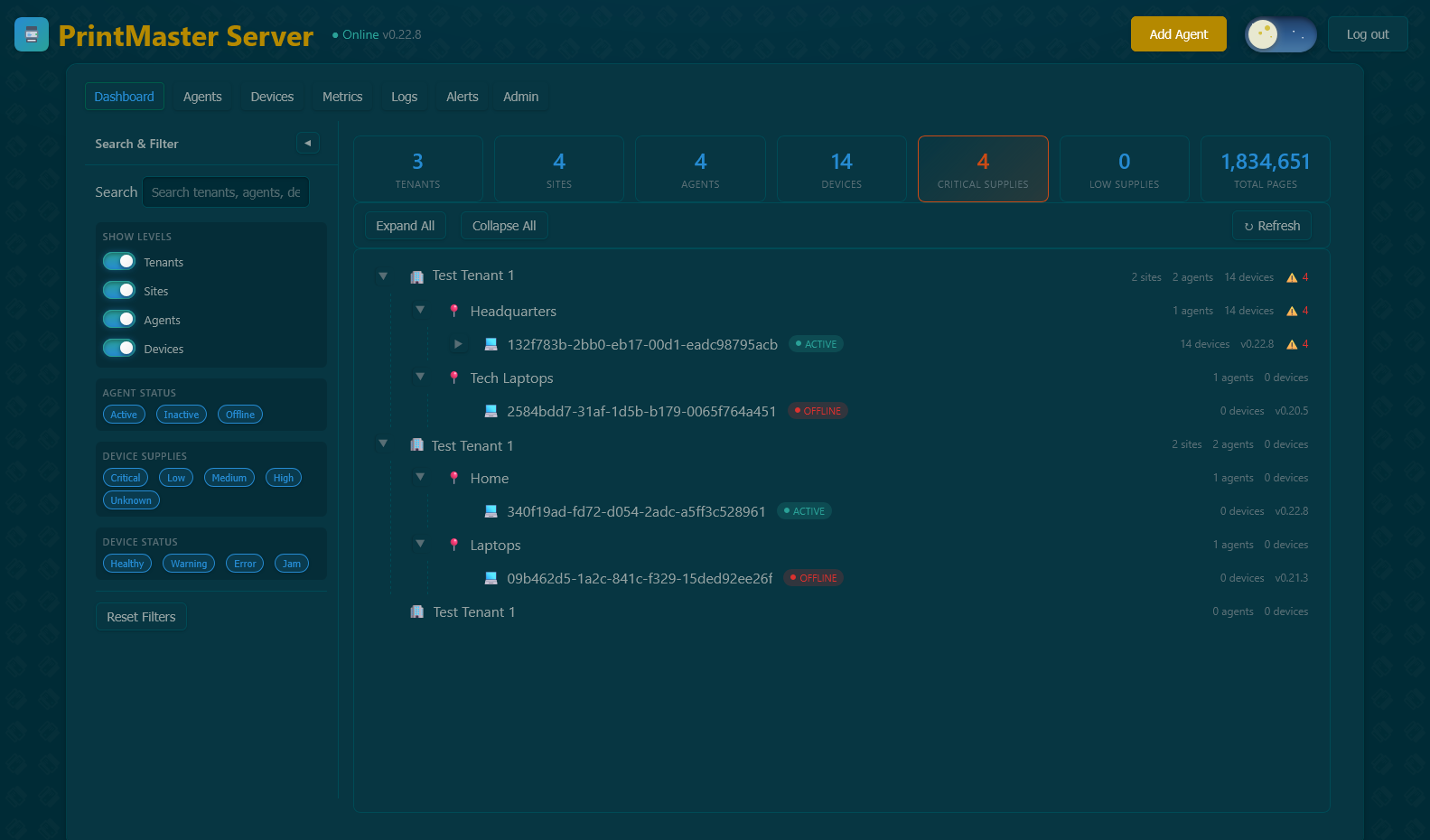
Fleet Agents — Monitor agent connectivity, versions, and status
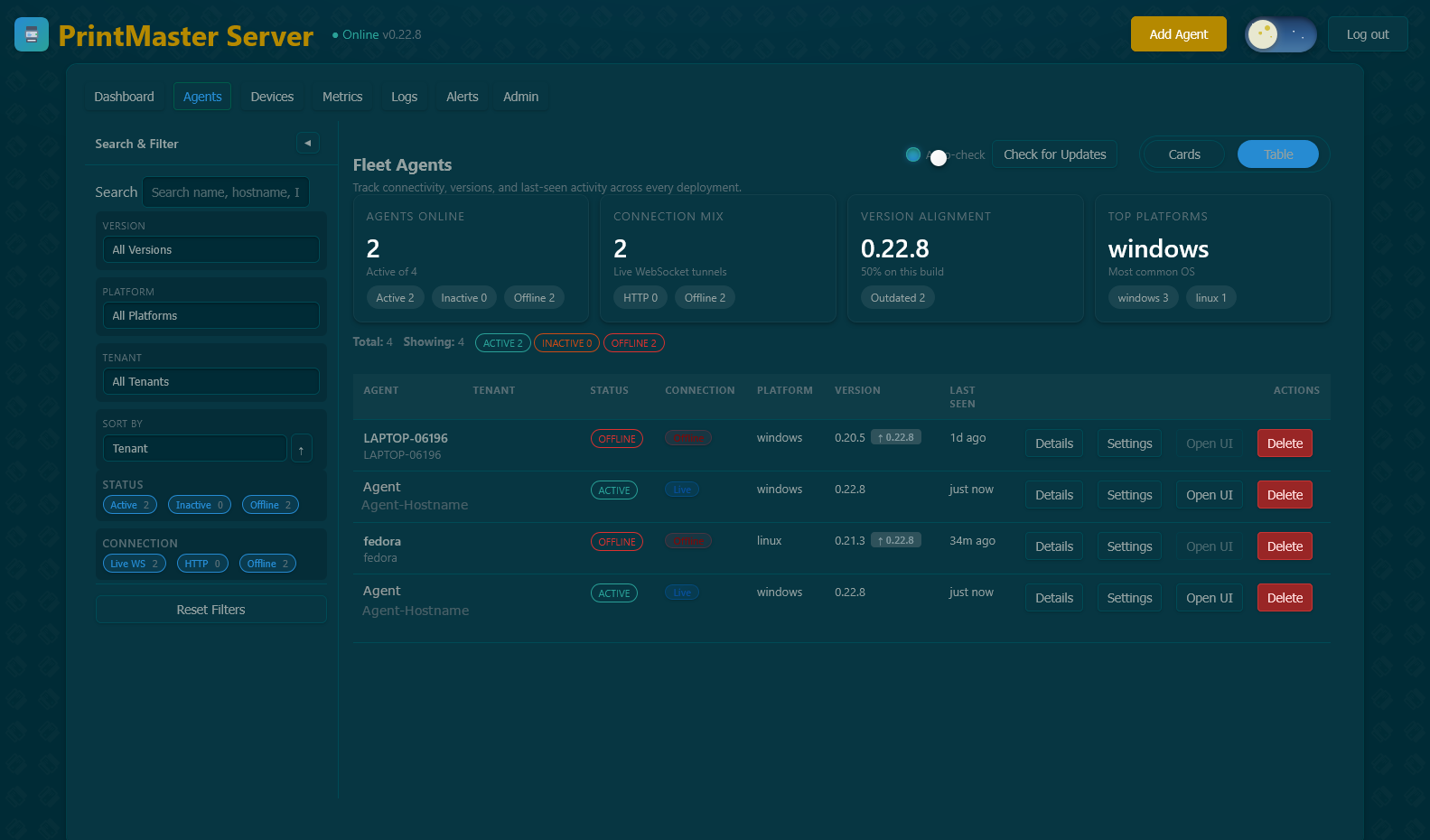
Fleet Devices — Track printers, consumables, and health status
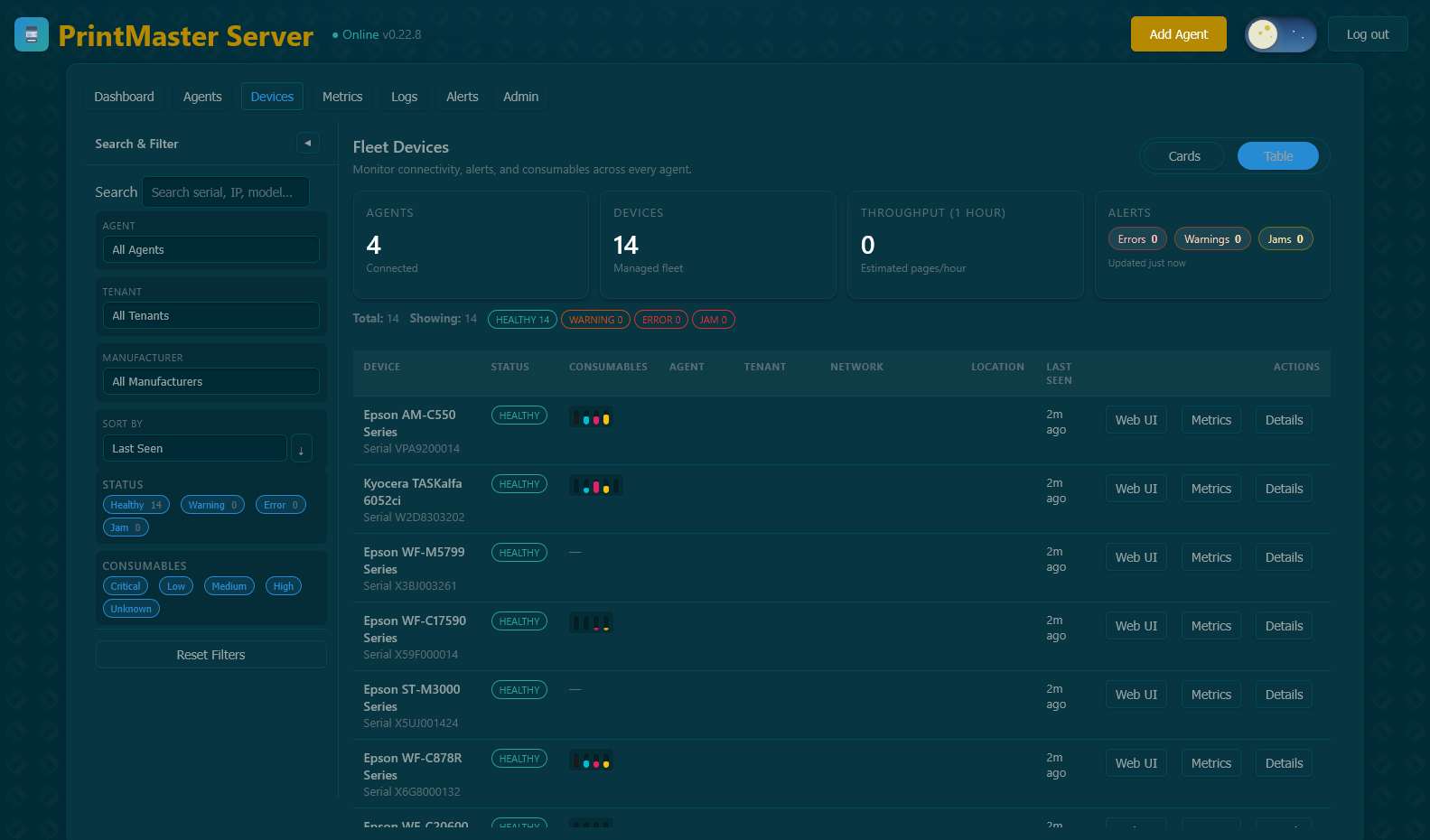
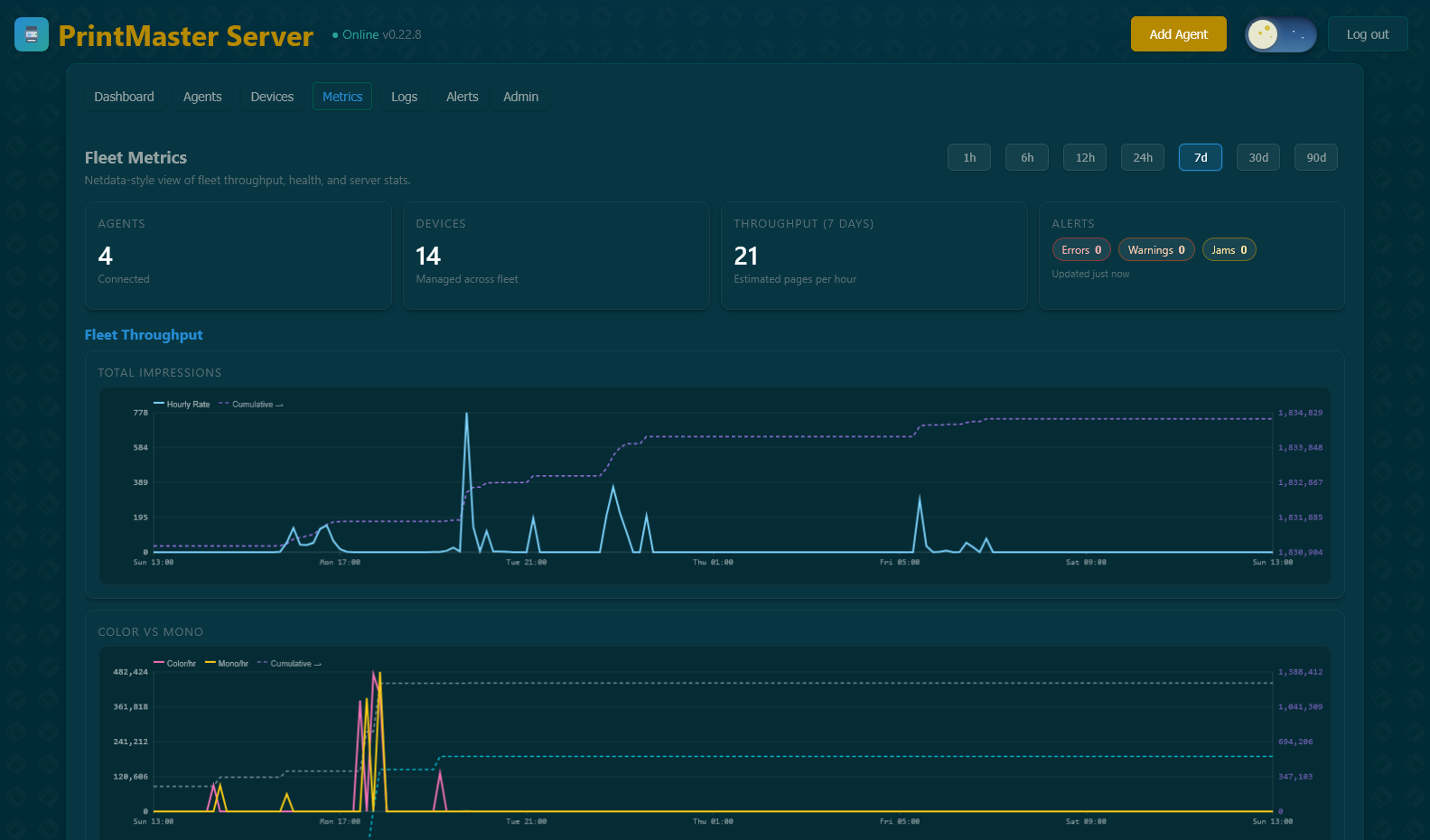
Fleet Metrics — Netdata-style time-series charts for throughput and usage
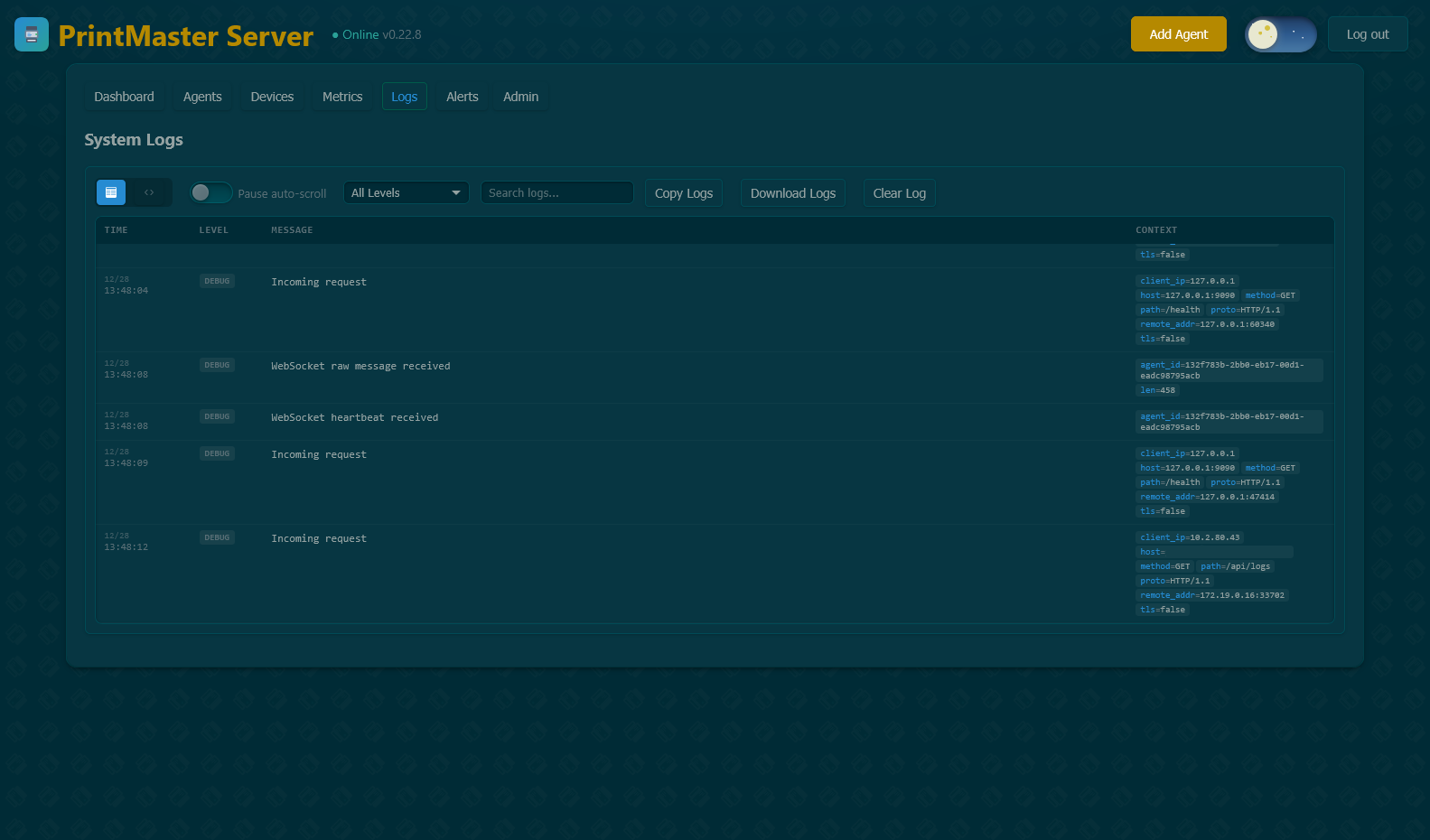
System Logs — Real-time log streaming with search and filtering
Quick Start
Server (Docker)
docker run -d \
  --name printmaster-server \
  -p 9090:9090 \
  -v printmaster-data:/var/lib/printmaster/server \
  -e ADMIN_PASSWORD=your-password \
  ghcr.io/printmaster-org/printmaster-server:latest
Access at http://localhost:9090 — Login: admin / your password
Agent (Windows)
Download the MSI from Releases, or:
# Install as service
.\printmaster-agent.exe --service install
.\printmaster-agent.exe --service start
Access at http://localhost:8080
Agent (Linux)
# Debian/Ubuntu
curl -fsSL https://packages.printmaster.work/install.sh | sudo bash
Architecture
┌─────────────┐         ┌─────────────┐         ┌─────────────┐
│   Agent     │────────▶│   Server    │◀────────│   Agent     │
│   Site A    │  API    │  (Central)  │  API    │   Site B    │
└─────────────┘         └─────────────┘         └─────────────┘
      ↓                       ↓                       ↓
  Printers              Web Dashboard            Printers
Agent: Runs at each site, discovers printers via SNMP, stores data locally, optionally reports to server. Can run standalone.
Server: Central hub for multi-site management. Aggregates device data, provides fleet dashboard, enables remote access via WebSocket proxy.
Documentation
| Guide | Description |
|---|---|
| Installation | Complete setup instructions for all platforms |
| Getting Started | First steps after installation |
| Features | Detailed feature documentation |
| Configuration | All configuration options |
| Troubleshooting | Common issues and solutions |
| FAQ | Frequently asked questions |
Developer documentation is in docs/dev/.
Configuration
Connect agent to server — edit config.toml:
[server]
enabled = true
url = "http://your-server:9090"
agent_name = "Office A"
Customize SNMP settings:
[snmp]
community = "public"
timeout_ms = 2000
retries = 1
See Configuration Guide for all options.
Contributing
- Fork the repository
- Create a feature branch
- Make your changes with tests
- Submit a pull request
See CONTRIBUTING.md for guidelines.
License
MIT License — see LICENSE